
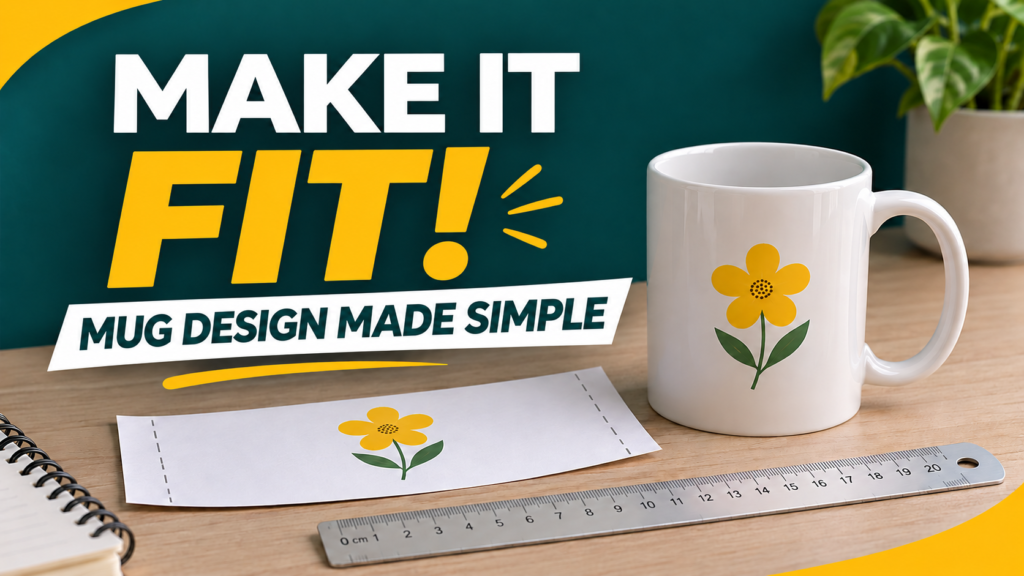
To prepare a mug design, measure the mug you will actually use. Resize the artwork, then test it with ordinary paper. This helps you see whether it fits and where the words will sit before using printing supplies.
1. Get four simple things
- Your blank mug.
- A ruler or flexible measuring tape.
- Ordinary paper and scissors.
- A copy of the artwork.
You do not need to buy a printer just to decide how much space your design should cover. This guide is about planning the artwork and its position.
2. Measure the usable area
Start with the template supplied for your mug or the instructions for your equipment. Measure the width and height of the allowed area. Keep the handle and unsupported curved areas outside the design.
Two mugs sold as 11 oz can have different shapes. Use the actual mug, not a measurement copied from another model. Cricut’s own mug setup guide tells users to choose the template for their mug size.
3. Keep the shape of the artwork
Find the width and height boxes in your design program. Turn on the link or lock that keeps the proportions. When you change the width, the height should change with it.
If the whole drawing does not fit, make it smaller or choose another layout. Stretching it sideways distorts faces and letters.
4. Try it with ordinary paper
- Print a paper test at your chosen size. Select 100% or actual size and check that the printer is not fitting it to the page.
- Measure the printed test with a ruler.
- Cut it out and wrap it around the cool mug. Do not place this test paper in a heat press.
- Hold the mug and decide whether you want the artwork facing outward, on both sides or around the mug.
- Check that letters are easy to read and do not crowd the handle.
5. Check before the real print
View a copy of the artwork at its final size. If it looks blurry, use a more detailed image or print smaller. Changing a setting to 300 does not restore missing detail.
Ask your print provider which file format to send and whether the artwork needs to be mirrored. That depends on the printing method. Use a compatible mug and follow the instructions for your materials and equipment.
Free packs to practise with
Quick questions
Does one size fit every mug?
No. Mug shapes and the area your equipment can cover vary.
Can I change a name in any design?
Only if the file allows it. In a flat image, a name may be part of the picture rather than separate editable text.
Sources
- Adobe: resize images while keeping their proportions.
- Cricut: select the correct mug template. Those instructions apply to its system; check your manufacturer’s instructions for other equipment.




Pingback: Cómo preparar un diseño para una taza: prueba fácil en papel - vectoresydisenosgratis.com