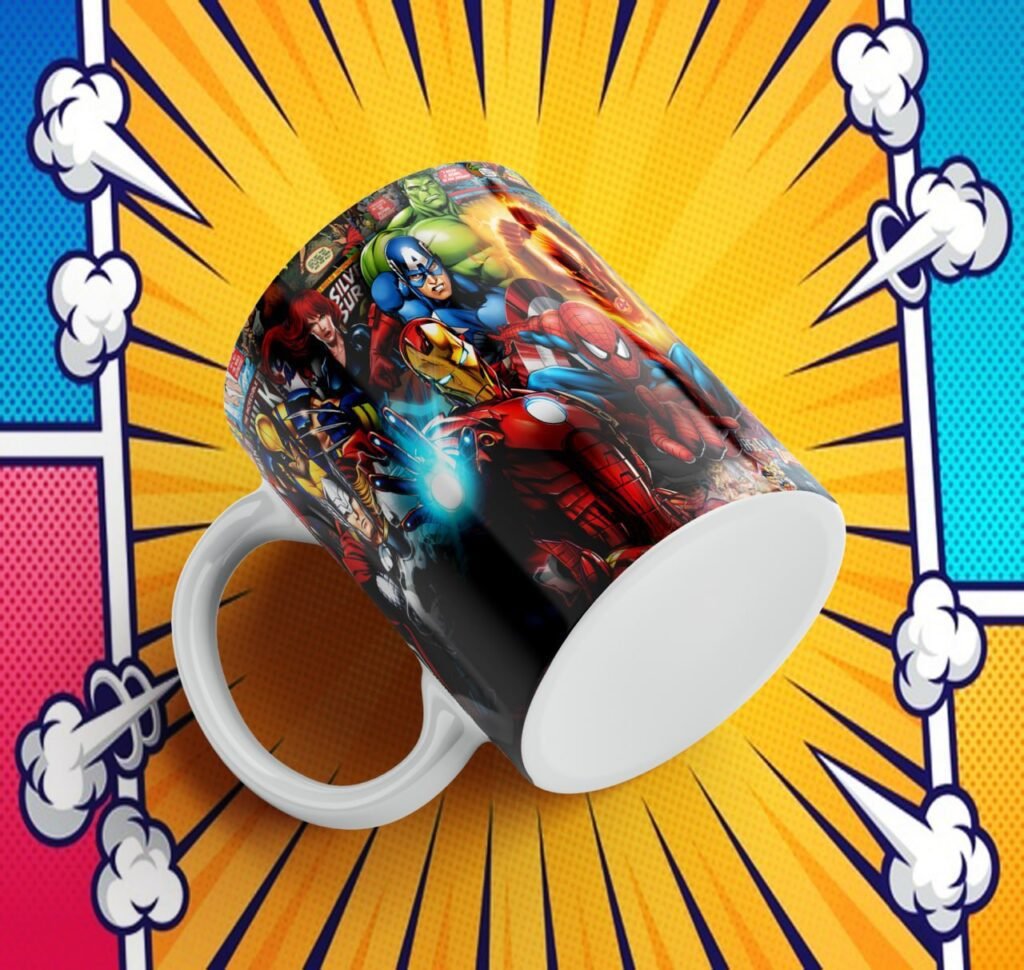
These memorial mug designs can help you prepare a keepsake for a loved one. Take time to review the previews and choose a layout that suits the photograph, name and dates the family wishes to remember.
Before printing, ask the family to check the name, dates and message. Use a clear photograph and avoid placing small lettering over a busy background.
Preview gallery
This page shows 5 previews. This is a count of the images displayed here, not a confirmed count of files in the download. Open a preview to see it in more detail.


How to prepare your design
- Use the download button at the end of this article.
- Open the downloaded archive and save its files in a folder. If it is a ZIP or RAR file, unpack it first.
- Open one design in software that supports its file type. Make a copy before changing it.
- Measure the printable area of your mug. Resize the design without stretching it sideways.
- Check the result at actual size and make a test before preparing your final project.
Before you print
Use a blank mug made for your printing method. Follow the instructions supplied with your mug, ink and equipment; one heat setting does not suit every product. The preview colors may look different on the finished mug.
Common questions
Can I change the lettering?
It depends on the file. In a flat image, the letters may be part of the drawing. You need editable text to change it separately. The English article does not change the language inside the supplied artwork.
Can I sell products with these designs?
A free download does not confirm commercial permission. Check the creator’s license and any character or brand rights before selling products.
Explore another pack
Pink Panther Mug Designs: Free Pack and Previews. For T-shirt packs, visit Sublimación y Serigrafía para Todos.
Download this design pack
The button opens MediaFire, where the resource is hosted. Download the design archive; you do not need to download the advertisements displayed by the file host.